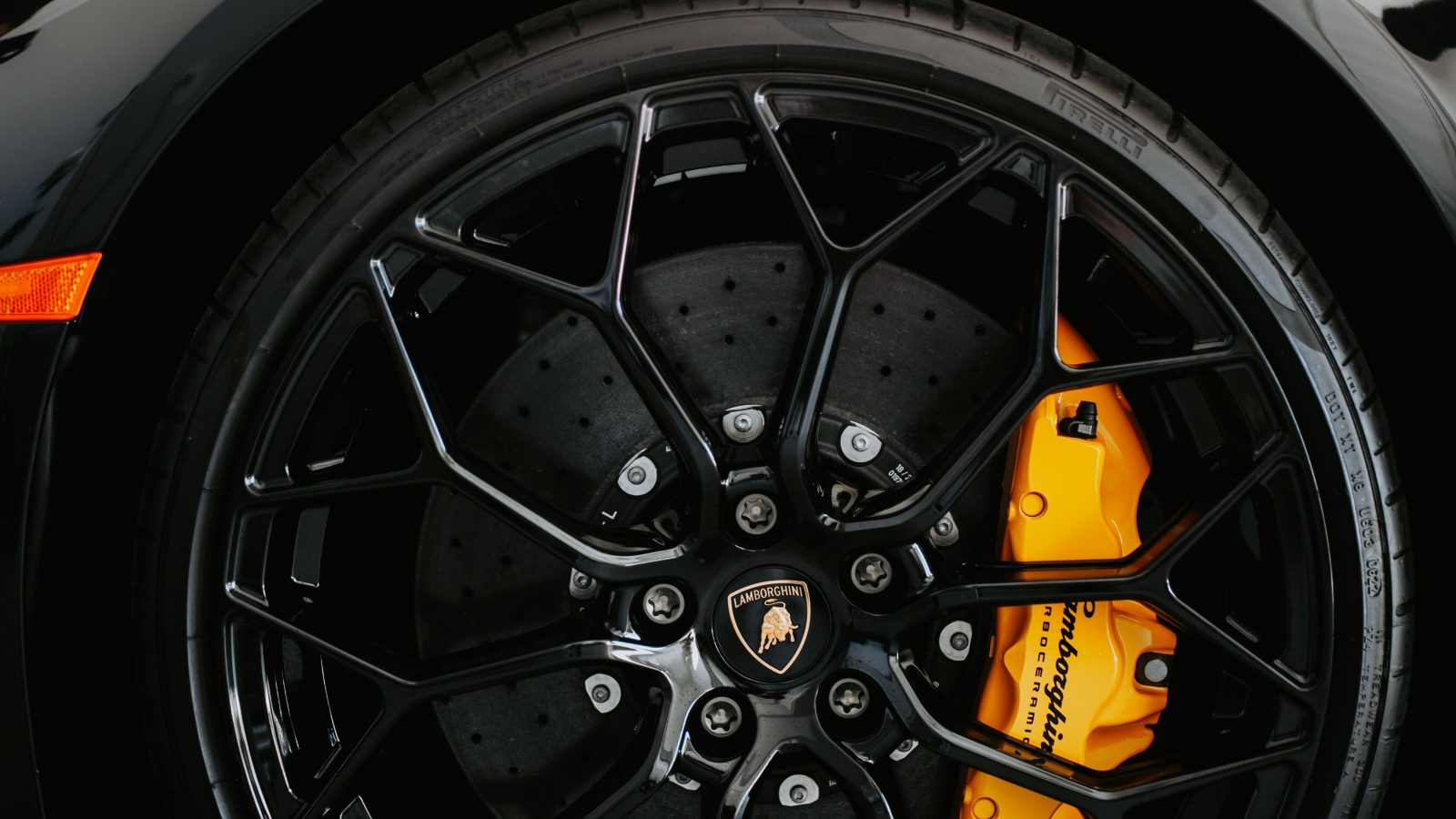
Replace rotors when they reach the minimum discard thickness stamped on the rotor itself — a hard limit, not a suggestion — or sooner if you notice deep grooves, blue heat spots, cracks, or a pulsing brake pedal. Mileage alone isn’t a reliable guide: many rotors last 30,000-70,000 miles, but that range swings widely based on driving habits, climate, vehicle weight, and pad material.
Here’s how to actually check whether your rotors are due, what the warning signs look like, and why thickness matters more than any mileage number.
Key Takeaways
- Minimum discard thickness, stamped on the rotor, is the definitive replacement trigger — not a mileage estimate.
- Rotors typically last 30,000-70,000 miles, but this varies enormously by driving style and vehicle weight.
- A pulsing brake pedal or shaking steering wheel under braking usually means the rotors already have thickness variation or heat damage.
- Rotors are always replaced in pairs — even if only one side measures below minimum, both get replaced together.
The Real Trigger: Minimum Discard Thickness
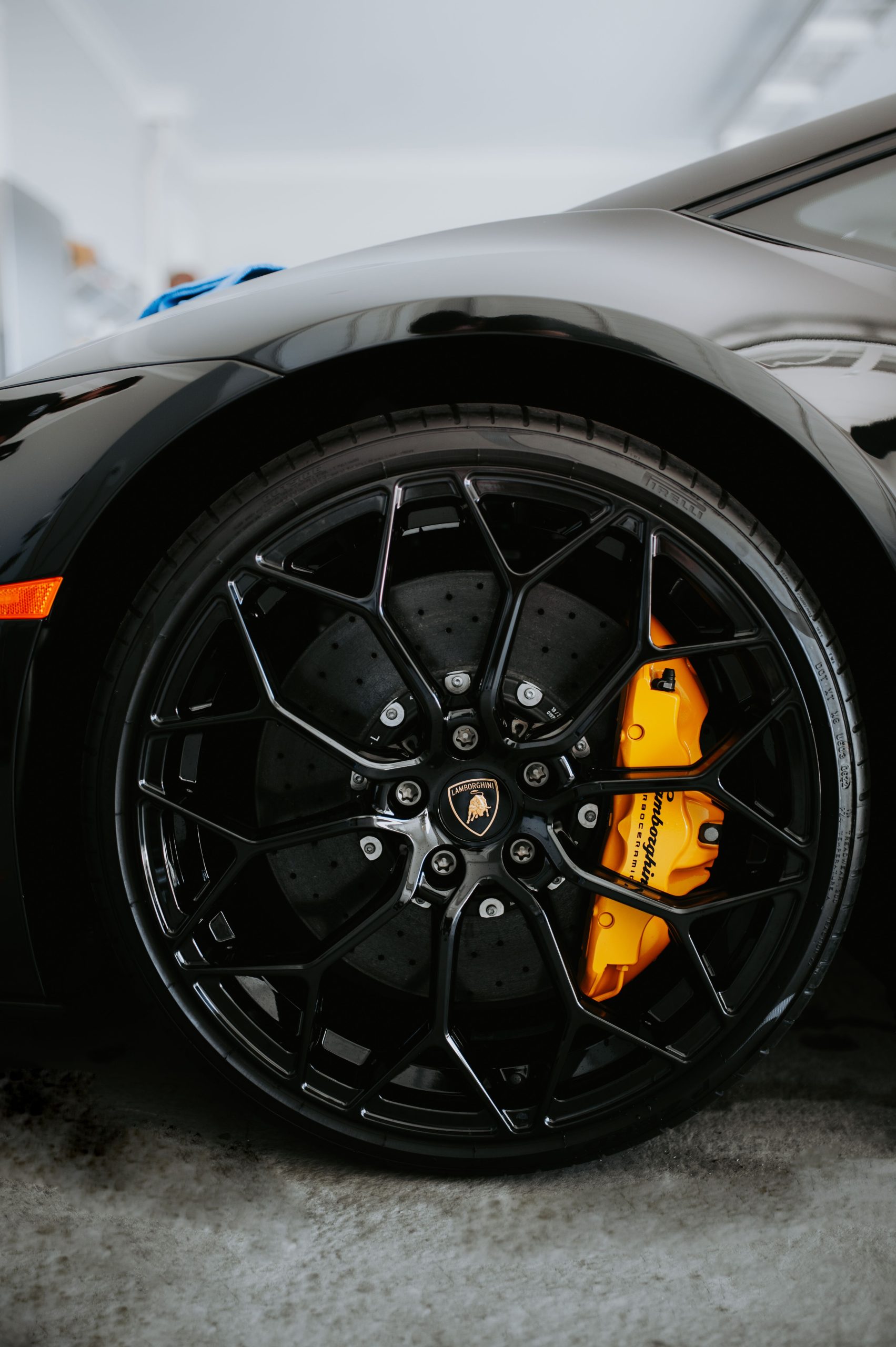
The most important factor for rotor replacement isn’t age or mileage — it’s thickness. Every rotor has a minimum thickness specification, called discard thickness, stamped directly on the rotor itself, usually on the hat, within the cooling veins, or along the outer edge, marked “MIN TH” followed by a value in millimeters (Brembo).
Once a rotor measures at or below that stamped number, it must be replaced — there’s no gray area. A rotor thinner than its minimum spec can’t safely dissipate heat or maintain structural integrity under hard braking, and continuing to drive on one at that point is a genuine safety risk, not just a maintenance oversight.
How to Actually Measure It
A standard caliper often isn’t accurate enough for this measurement, since it can’t properly span the rotor’s friction surface around the wear lip. A brake micrometer, designed with anvil tips that bypass that lip, gives a much more reliable reading (BuyBrakes).
Take the measurement about 10mm from the outer edge of the rotor, and repeat it at four different points around the rotor’s circumference — use the lowest of those readings as the number that actually matters, since rotors rarely wear perfectly evenly. If any of those readings falls below the stamped minimum thickness, the rotor needs replacing.
Mileage: A Loose Guide, Not a Rule
Many rotors last somewhere between 30,000 and 70,000 miles, but that’s a genuinely wide range — there’s no single mileage number that applies to every vehicle. Heavier vehicles, aggressive city stop-and-go driving, frequent mountain descents, and towing all shorten rotor life considerably compared to steady highway driving in a lighter car (Motorist Care).

Warning Signs Worth Acting On Immediately
- A pulsing brake pedal or shaking steering wheel under braking — usually indicates thickness variation, heat spots, or lateral runout in the rotor.
- Deep grooves you can feel with a fingernail — grooved rotors reduce pad contact area, create noise, and can cause uneven braking force.
- Blue discoloration spots from overheating, surface cracks, heavy rust scaling, or visible chunks missing from the braking surface.
- Squealing or a pulling sensation toward one side when braking.
If you’re experiencing a shake specifically tied to braking, our guide on why a car shakes when braking goes deeper into the disc thickness variation mechanism behind that specific symptom and what resurfacing versus full replacement costs.
Build Rotor Checks Into Routine Maintenance
Check your brakes every 10,000 miles or whenever you replace brake pads — pad and rotor wear are closely linked, and inspecting one without the other misses half the picture. It’s a reasonable habit to fold into the same interval as other routine maintenance, similar to how you’d check fluid levels at each oil change rather than waiting for a dashboard warning.
Rotors are always replaced in pairs per axle, even if only one side actually measures below the minimum thickness — mismatched rotor condition side to side can cause uneven braking force and pulling.
Frequently Asked Questions
Can rotors be resurfaced instead of replaced?
Yes, if they’re still above minimum thickness after the resurfacing cut. Resurfacing removes a thin layer to restore a flat, even surface, but it’s only viable when there’s enough material left above the discard spec to safely remove more.
Does a grinding noise always mean the rotors are gone?
Not necessarily specific to rotors — a grinding sound during braking often means the pads have worn through completely and metal is contacting metal, which can also damage the rotor surface in the process. If the grinding happens outside of braking, that points elsewhere; see our guide on grinding noise unrelated to braking for that separate diagnostic path.
How often should rotors be replaced if I tow frequently?
More often than the general 30,000-70,000 mile range suggests — towing adds significant heat and mechanical stress to the braking system, which accelerates both pad and rotor wear meaningfully compared to unloaded driving.
Is it dangerous to keep driving on rotors below minimum thickness?
Yes — a rotor below its minimum spec can’t reliably handle the heat generated under hard braking, which risks warping, cracking, or reduced braking effectiveness exactly when you need full stopping power most.
The Bottom Line
Rotor replacement comes down to the number stamped on the rotor itself — minimum discard thickness — not a fixed mileage figure. Use that measurement, check every 10,000 miles or at each pad change, and act on warning signs like pulsing, grooves, or heat discoloration before they force a decision. Rotors typically last 30,000-70,000 miles, but let the actual measurement, not the odometer, make the final call.
Feeling a pulse in the pedal or not sure if your rotors are still within spec? Contact San Diego Bumper and Collision for a brake inspection.